
For decades, the most sensitive room in a lot of Collins Street firms was the file room.
It was not sensitive because it was well locked. Often it was not locked at all. It was sensitive because nobody could find anything in it. The partners' remuneration papers sat three cabinets along from the stationery order, in a folder labelled something unhelpful, and the only real protection was that finding them took effort nobody had a reason to spend.
That is how most firms' digital files still work, yours included unless somebody has been through them recently. Plenty of people can technically open far more than they should, and nobody notices, because nobody goes looking.
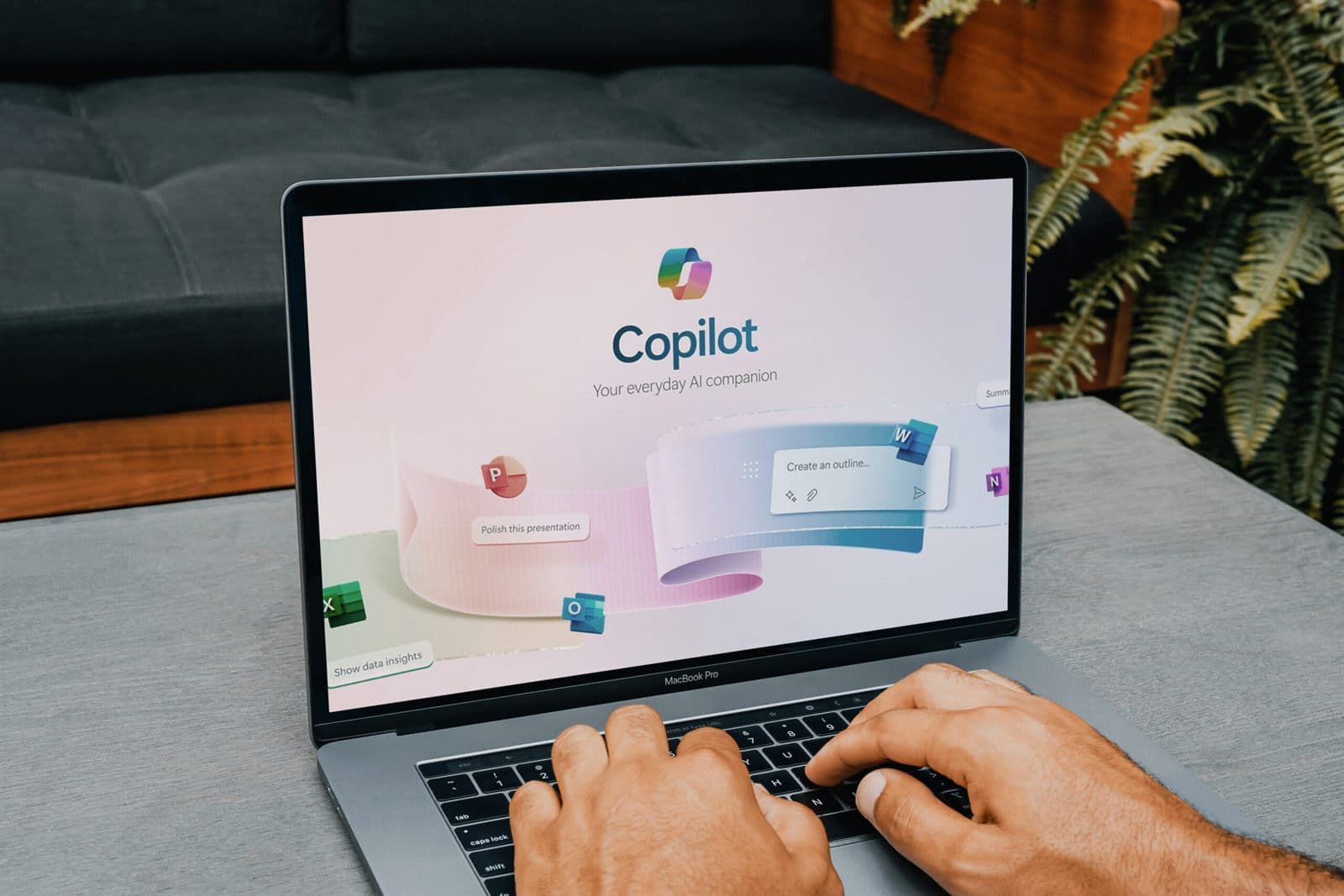
Microsoft 365 Copilot goes looking. That's the whole point of it.
What Copilot actually does with your files
Copilot does not break your security. Microsoft is careful about this, and fairly so. It only shows a person what that person already has permission to open.
The catch is in the word "already". Copilot is the world's most willing clerk in that file room, holding a key cut to match each staff member's own, and it will read out anything that key opens. After years of "share with everyone" links, old project sites and permissions nobody has reviewed, most of those keys open a great deal more than their owners would guess.
This isn't theoretical. When the federal government ran a six-month trial of Copilot across more than 7,600 staff in over 60 agencies in 2024, the Digital Transformation Agency's evaluation concluded that agencies must configure their information systems, permissions and processes before rolling it out safely. Participants reported Copilot surfacing sensitive material that had not been properly secured in the first place. That report is two years old at the time of writing. The lesson in it has not aged at all.
Two firms, same Copilot
Picture two firms. Same size, around 40 people. Both on Microsoft 365. Both convinced Copilot will save their staff hours a week, and both right about that.
Firm A buys twenty seats on a Friday afternoon, because the vendor had a promotion ending and a partner was keen.
On Tuesday, a graduate asks Copilot to "summarise anything recent about salary reviews" for a project she's been given on graduate pay. Copilot obliges. It finds the HR folder that was shared to "everyone in the organisation" in 2022 so the office manager could get to it from home. The summary includes partner draw figures.
Nothing was hacked. Nothing was breached, in the technical sense. The file was always there and she was always able to open it. Copilot just did, in four seconds, what would have taken her a week of aimless clicking she would never have done.
By Thursday, half the office knows, because she asked a colleague whether those numbers looked right. (They did.)
Firm B spends a few weeks first on a readiness assessment. It finds the same HR folder, along with a client folder shared to an external email address that left the firm in 2021 and a dozen SharePoint sites with nobody listed as owner. It fixes the worst of it, labels the genuinely sensitive material, picks a pilot group and trains them. Then it buys the seats.
Same software. Firm B gets the productivity. Firm A gets the productivity and a very uncomfortable partners' meeting.
What a Microsoft Copilot readiness assessment actually checks
That's why this comes first. A proper Copilot readiness assessment is a look at what Copilot will be able to read, before anyone asks it a question. A licence check it is not.
Who can open what. Every site, shared folder and sharing link, with the broad ones flagged: "everyone", "anyone with the link", and access granted to people who've since left.
What's genuinely sensitive. Remuneration, HR matters, client identification, health information, board papers. Then whether it's labelled, using a tool like Microsoft Purview, so the system knows to treat it differently.
Accounts that shouldn't exist. Old staff, shared logins, service accounts with far more access than their job needs. Each one is another key cut for that file room, which is the whole argument behind zero trust and where it tends to go wrong.
The basics underneath. Multi-factor authentication everywhere, and device management that means a lost laptop isn't an open door. If those aren't in place, I'd sort them before Copilot, not after. We've covered why multi-factor authentication matters for a firm your size if you want the detail.
Licensing and the pilot. Whether your current Microsoft 365 plan supports what you need, and which five to ten people should go first.
Beware: Turning Copilot on doesn't create a new risk so much as expose an old one. Whatever your permissions looked like the day before, Copilot makes them searchable in plain English the day after.
The part the vendor won't mention
I will say something a bit uncomfortable about my own industry. Copilot has been sold hard, and plenty of firms have been sold seats by people who never raised any of this. The readiness work is unglamorous, it comes with no promotional discount attached, and it slows the sale down. That is usually the whole explanation.
None of this is an argument against Copilot. I wrote about how firms should roll it out when it first arrived, and the case for it has only got stronger since. My argument is with the order, and only with the order: do the boring part first.
Tip: Before you buy a single seat, ask whoever manages your Microsoft 365 for a report of every file and folder shared with "everyone" or "anyone with the link". If they can't produce one within a week, you're not ready yet, and that's useful to know.
Getting the order right
The good news is that a Microsoft Copilot readiness assessment pays for itself whether you buy Copilot or not. Tidier permissions mean a smaller breach if something goes wrong, faster offboarding, and an answer the next time an auditor or a client asks who can see their files.
Firm B spent those weeks because it wanted to know what was in its own file room before cutting anybody a key to all of it. Nerves about AI had nothing to do with it.
If you'd like to see what Copilot would be able to read in your firm, we'll run the permissions review and walk you through what we find. The findings are yours whether you go ahead with Copilot or not.
Where these numbers come from
- Evaluation of the whole-of-government trial of Microsoft 365 Copilot: summary of evaluation findings, Digital Transformation Agency, October 2024
Yener
